The short answer
Clicking Request indexing in Google Search Console does not put your page on Google. It only asks Google to take a look. Google then decides whether, and when, to visit the page and add it to search. For a new website, that usually takes days to weeks, and Google does not promise a date.
If you requested indexing a day or two ago and your page is not showing yet, that is normal. Here is what is going on, and what is worth checking.
What "Request indexing" actually does
Think of it like posting a letter to Google that says, "I have a new page, please come and see it." It puts your page in a queue. It does not jump the queue, and it does not guarantee a result.
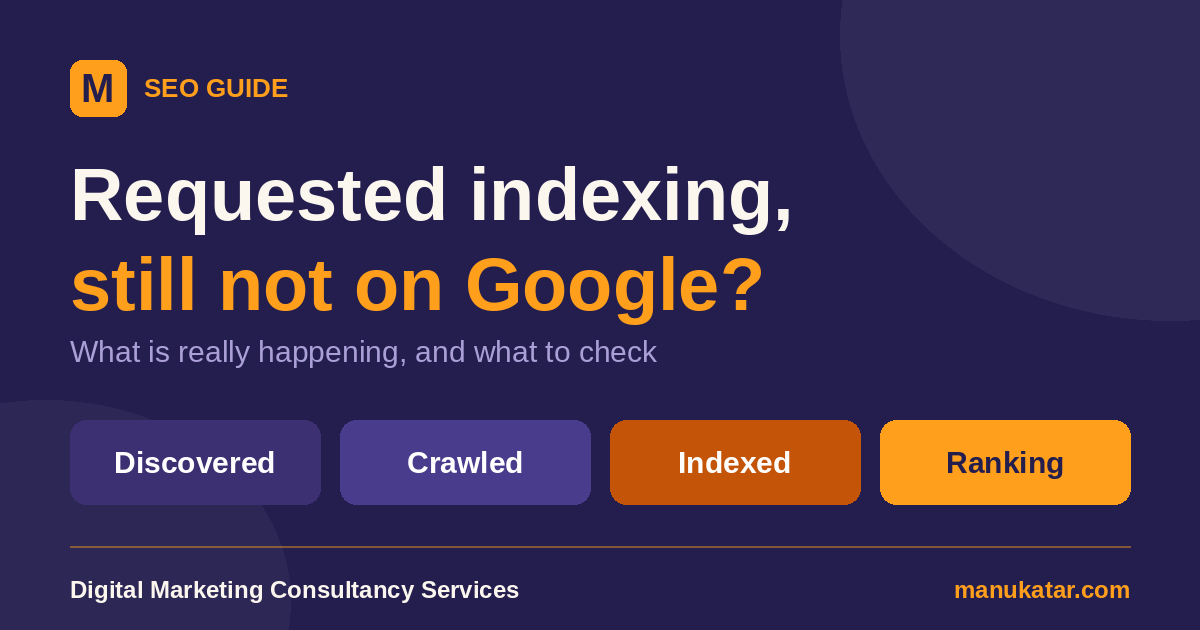
A page goes through three steps before it can show up in search:
- Discovered. Google learns the page exists, from a link, a sitemap or your request.
- Crawled. Google visits the page and reads it.
- Indexed. Google decides the page is worth keeping and adds it to its library. Only indexed pages can appear in search results.
Your request helps with the first step. The other two are Google's decision.
How long does it take?
Google's own guidance says a recrawl can take anywhere from a few days to a few weeks. It also says it cannot predict or guarantee when, or if, a URL will be crawled and indexed. So there is no honest way to say "your page will appear in 48 hours."
If you are also wondering how long it takes to rank, which is a separate and longer question, read How Long Does SEO Take?
The most common reason: your website is new
Google says the most common reason a site does not show up is simply that it is too new. A brand-new website has no history, and very few other websites link to it. Google has little reason to hurry. This is the situation for most new business websites, and it fixes itself with time and steady effort.
Other reasons a page may not show up
- Few links to your site. When no other website points to you, Google finds you slowly.
- Something is blocking Google. A "noindex" tag, a robots.txt rule or a page that needs a login can all keep a page out of search.
- The site was down. If your hosting had a problem when Google visited, it may wait before trying again.
- The page is thin or copied. Google may visit and decide not to keep it.
- A policy or security problem. Search Console shows these under security and manual action reports.
What to check in Search Console
1. Use URL Inspection
Paste your page address in the bar at the top of Search Console. It tells you whether the page is on Google, and if not, why. Look for the line "URL is on Google" or "URL is not on Google."
2. Read the status, not just the colour
Two statuses confuse many owners:
- Discovered - currently not indexed: Google knows the page exists but has not visited it yet. Usually this just needs time.
- Crawled - currently not indexed: Google has visited but has not added the page. It may be indexed later, and you do not need to submit it again.
3. Check the page can be indexed
In URL Inspection, confirm that indexing is allowed and that the page is not blocked. If you built your site yourself, make sure no page carries a "noindex" tag.
4. Make sure your sitemap is submitted
A sitemap is a list of your pages that helps Google find them. It is worth having, though Google says it does not guarantee indexing.
What to do while you wait
- Link your pages together. Every page should be reachable from your menu or from another page.
- Get a few real links. Business directories and your social profiles are a good start.
- Keep publishing useful pages. Google visits active websites more often.
- Check back in a week or two, rather than every day.
What not to do
- Do not request indexing again and again. Google says repeated requests for the same page will not make it faster, and there is a limit on how many you can send.
- Do not pay for "guaranteed indexing" tricks. No one can force Google to index a page.
- Do not change the page every day hoping it gets noticed.
If you have waited several weeks and Search Console shows a clear problem, that is the point to fix things or ask for help. Timelines vary, and this is a general guide, not a promise.
Frequently asked questions
How long does Google take to index a new page?
Google says a recrawl can take anywhere from a few days to a few weeks. It does not promise a date, or even that a page will be indexed.
Should I click Request indexing again?
No. Google says requesting a recrawl more than once for the same URL will not get it crawled any faster, and these requests have a quota.
What does Discovered – currently not indexed mean?
Google knows the page exists but has not visited it yet. It usually changes by itself with time, so there is nothing to fix straight away.
What does Crawled – currently not indexed mean?
Google has visited the page but has not added it to search yet. It may be indexed later. You do not need to submit it again.
Does submitting a sitemap guarantee indexing?
No. A sitemap helps Google find your pages, but Google says it does not guarantee they will be indexed.
Can you help my business website show up on Google?
Yes. Our SEO services are explained in plain language, with a clear price and no long-term contract. Get a free quote.
Want help getting your website found on Google?
Get a free quote